
Link a list
In Google Maps, share a list and copy its link. Paste the link into Map Tools.
- Syncs automatically every day
- You share and paste each list one at a time
Best for lists you're still adding to.
Search, filter, tag, and track the places you've saved in Google Maps, with the tools Google never added. Free to use with open map data; upgrade to add Google data.
No credit card required. Bring your lists by link or Google Takeout.
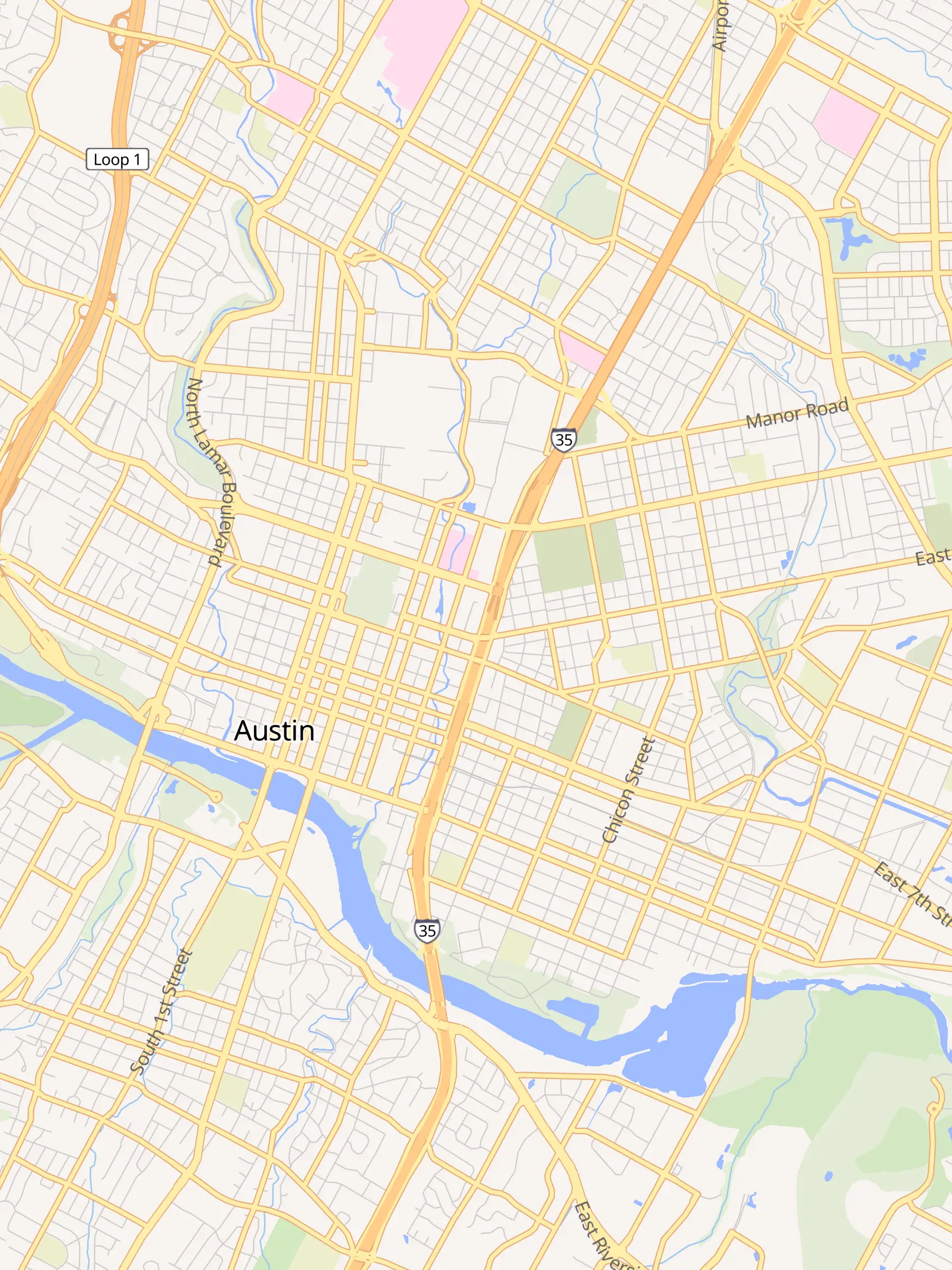
Bring in the places you've already saved, then do everything Google Maps can't.
Paste a shared Google Maps list link, or drop in your Google Takeout zip. Your places land on the map.
Type to search everything you've saved. Add filters like city:, tag:, or open>2200 to narrow it down.
Tag places, mark visits, draw your own regions, and save results as a list you can export or open in tabs.
Pick the one that fits, or use both.
In Google Maps, share a list and copy its link. Paste the link into Map Tools.
Best for lists you're still adding to.
Export your Saved data from Google Takeout and drop the zip into Map Tools.
Best for getting everything in at once, notes included.
Mix both. Link the lists you change often and import the rest from Takeout.
Results update as you type, in the list and on the map. Mix plain words with filters to get exactly what you're after.
type:restaurant city:austin open>2200 -tag:loud
list:type:city: region:tag: note:open>2200visit>30--tag:loudTag the brunch spots, the date-night bars, the places to take out-of-town guests. Mark a visit when you go, or log one from last year, then filter on either.
Add your own notes to any place. Notes imported from Google come along too, and all of it is searchable.
Zoom the map and the list narrows to what's in view. Save any set of results as your own list.
When you've got a shortlist, open every result in its own tab or export it, and pick the perfect spot for that important dinner.
Small, focused tools that add up to a much better way to use your saved places.

Results appear as you type, in both the list and the map.

Filter by list, place type, city, region, tag, note, opening hours, and last visit. Exclude anything with -.

Label places your way: “good for brunch”, “fancy dinner”, “out-of-town guests”.

Mark places when you visit, or add a past visit, and see what you haven't been to lately.

Draw your own areas and neighborhoods on the map, then search inside them.

Notes imported from Google plus your own, all searchable with note:.
Save any set of search results as a list of your own.
Zoom in and the list shows only what's in view.
Take your results anywhere, or review them side by side.
Desktop, mobile web, or installed on your home screen.
Every feature is free. Pro adds Google place data where open data comes up short.
$0
Everything on this page, with place details filled in from OpenStreetMap and Overture Maps.
$10/month
For places open data can't fully cover.
Something else? Email feedback@maptools.app.
Yes. Every feature is in the free plan. Map Tools fills in place details from open map data (OpenStreetMap and Overture Maps) instead of Google wherever it can, which is what keeps it free. Pro is optional and adds Google place data for the places open data can't cover.
Link a list if you want it to stay up to date: it syncs daily, but you share each list separately. Import from Takeout to bring in every list at once, including your notes. It's a snapshot, so re-import when you want changes. You can mix both: link the lists you change often and import the rest.
We only read the lists you give us, by link or Takeout file. We never post to your Google account.
For $10 a month, Pro fills in Google place data (ratings, hours, photos, and descriptions) where open data has gaps, and gives exact locations for places that came only from a Takeout import.
Yes. Use it on desktop, in your phone's browser, or add it to your home screen as an app.
Yes. Open use.maptools.app without logging in to explore the demo.
Connect your lists and see what Map Tools can do with the places you've been saving for years.